Make any character copy the moves in your video
Upload one photo of a character and one driving video. Our AI motion control transfers the dance, gesture or performance frame by frame onto your character — no prompt, no rigging, no keyframes.
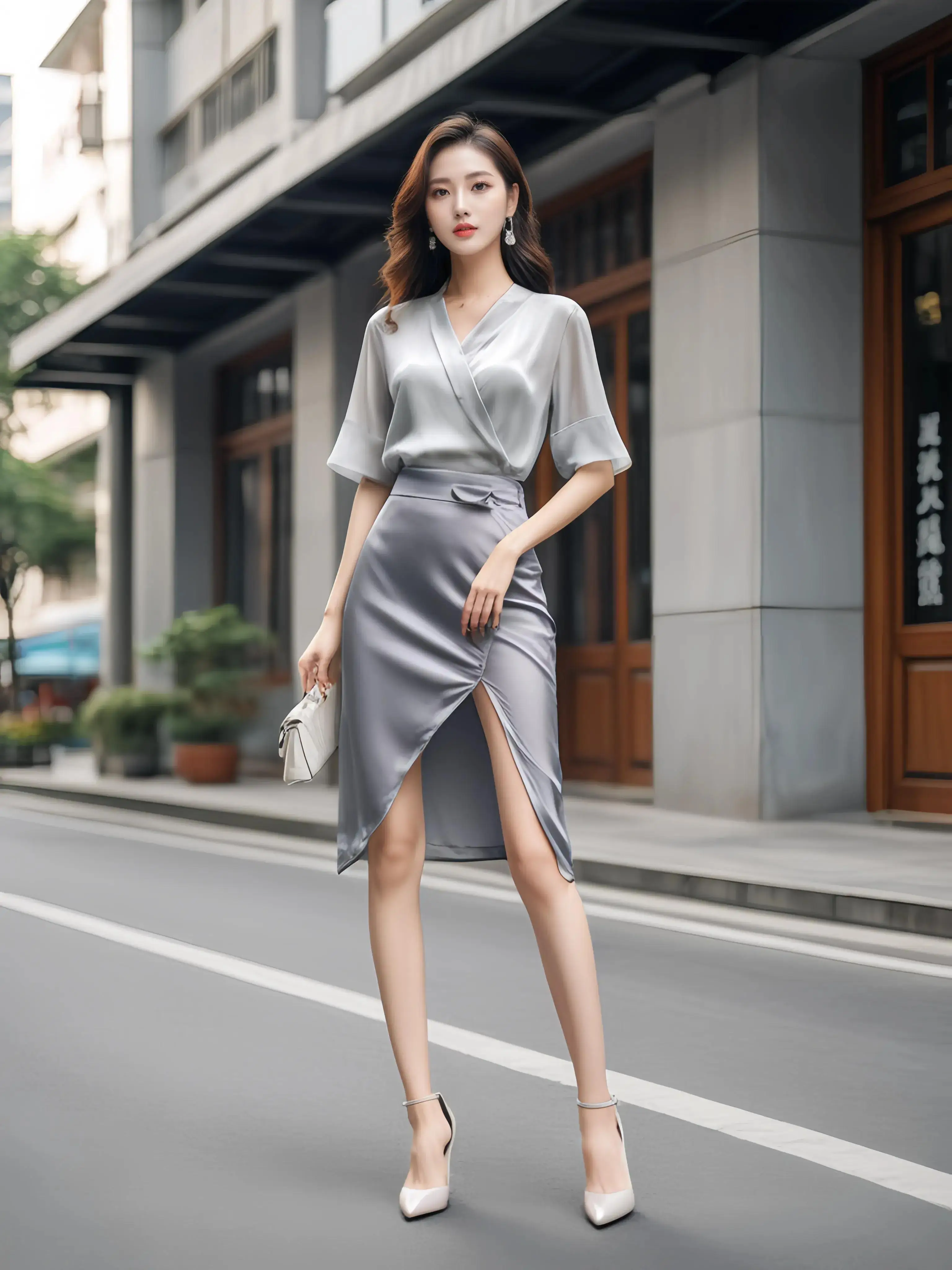
Upload a character and a driving video
Pick a clear, single-person character image and a video of the motion you want. Hit generate and we handle the rest.
Driving video
Video requirements
- •One person, full body visible, steady camera
- •Clear motion with no fast cuts or scene changes
- •Output length will match this video (2–30s)
Click or drag a motion video here
Character image
Image requirements
- •Exactly one person or character (no groups, no empty scenes)
- •Sharp and well lit, full body preferred
- •Face unobstructed and facing the camera
- •Illustrations, anime and 3D renders are fine
Click or drag a character image here
Flat 100 credits per generation, any length up to 30s. Refunded automatically if the model fails.
Motion Control Result
Your video will match the driving video in length and the character image in style.
Processing time: 3–6 minutes
Your result will appear here
Upload a character image and a driving video, then click generate.
Workflow
Animate a character in 4 steps
No prompts, no rigging. Two uploads and one click.
1
Upload a character image
A clear photo or illustration of one person — full body works best for dance and sports moves.
2
Upload a driving video
Any 2–30 second mp4 or mov clip showing the motion you want transferred.
3
Generate
Our AI motion control engine maps the video's movement onto your character — about 3–6 minutes.
4
Download & share
Get a clip the same length as your source, ready for TikTok, Reels or your editing timeline.
Real result
One photo, one video, one animated character
Character image
A single illustration — this is the only thing the model learns the identity from.
Driving video
A 13-second clip of a real person performing the motion.
AI motion control output
The illustrated character performs the same 13 seconds of motion, matching timing and body pose.
Why motion control
Built for true motion transfer
Unlike text-to-video or reference-to-video tools, motion control follows your driving clip pose by pose instead of guessing.
- Frame-accurate motion transfer
- Pose, timing and rhythm are copied directly from the driving video — not re-imagined from a prompt.
- Up to 30 seconds per clip
- Transfer a full dance chorus or a complete gesture sequence in one run — output length equals input length.
- Zero prompt engineering
- There is no text box. The image sets the look, the video sets the motion, and that is all it needs.
- Identity stays consistent
- Face, outfit and style of your character are preserved across every frame of the result.
Use cases
What people animate with motion control
From dance trends to product mascots — if you can film the motion, your character can perform it.
Dance & trend videos
Make your avatar, OC or brand mascot perform the latest TikTok dance without ever stepping on camera.
Virtual influencers & VTubers
Turn a single character design into a library of expressive motion clips for social and streaming.
Game & anime previews
Pre-visualize how a concept-art character moves before committing to rigging and animation.
Marketing & e-commerce
Show a mascot or illustrated spokesperson demonstrating a product with real human body language.
Frequently asked questions
Everything you need to know before your first motion transfer.